
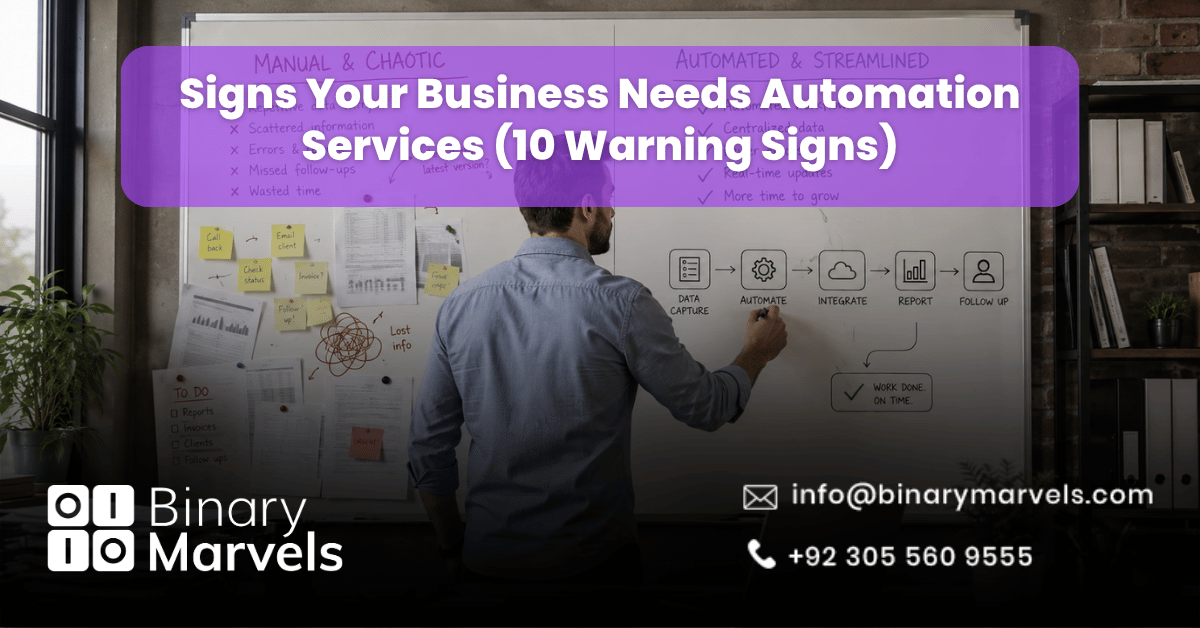
Most businesses do not decide to automate on a good day. They decide after a missed invoice, a lost lead, or a week where everyone was busy but nothing important actually moved forward. The tricky part is that these warning signs build up slowly, so they rarely feel urgent until the cost is already high.
This guide lists 10 clear, practical signs your business needs automation services, explains what each one is actually costing you, and shows when basic workflow automation is enough versus when you need AI-native automation like chatbots, voice agents, or appointment setters.
What Counts as a Real Automation Warning Sign
Not every slow day means you need automation. A good rule of thumb: if a task is repeated more than five times a week by the same person and follows the same steps each time, it is a strong candidate for automation. If it only happens occasionally or changes every time, automating it too early can lock in a broken process instead of fixing one.
The signs below focus on patterns, not one-off bad days. If two or more of them sound familiar, business automation services are likely to pay for themselves fast.
10 Signs Your Business Needs Automation Services
1. Your Team Manually Moves Data Between Systems
If someone copies a name, order, or lead from one tool into another by hand, that is manual data transfer, and it is one of the clearest signs of a business process that needs automation. Common examples include moving form submissions into a spreadsheet, or re-typing customer details from email into a CRM. Every manual transfer is also a chance for a typo that causes a bigger problem later.
2. Leads and Customers Wait Too Long for a Reply
Response speed affects whether a lead becomes a customer. If your team can only reply to inquiries during business hours, or replies pile up overnight, you are likely losing business to a competitor who answers first. Automated lead response, AI chat, and appointment booking close this gap without adding staff.
3. Your Tools Do Not Talk to Each Other
When your CRM, invoicing software, and project tool all hold different pieces of the same customer’s information, you have a disconnected system. Someone has to manually reconcile it, and mistakes slip through because no single tool has the full picture. This is a common and costly gap in growing businesses.
4. The Same Kind of Mistake Keeps Happening
If you keep seeing the same billing error, the same missed field on a form, or the same wrong data entry despite training your team again and again, the process itself is the problem, not the people doing it. Manual steps are where human error naturally creeps in, and automation removes that step entirely instead of asking people to be more careful.
5. Growth Means Hiring More People for Basic Tasks
If doubling your customer base means you also need to double your admin staff, your operations are not scaling, your headcount is. This is one of the strongest signs your business needs automation services, because it means growth is adding cost instead of profit. Automated systems can usually handle several times more volume without needing proportionally more people.
6. Follow-Ups Fall Through the Cracks
Invoices that go unpaid because no one followed up, leads that go cold after the first call, appointments that get forgotten. These are not people problems, they are memory problems, and memory does not scale. Automated reminders and follow-up sequences catch what a busy team is bound to miss.
7. No One Can See Where a Task Actually Stands
If a manager has to ask “what is the status of this?” more than once a week, visibility is broken. Teams end up guessing, duplicating work, or waiting on updates that never come. Workflow automation software gives everyone a live view of where a task is, without needing a status meeting.
8. Employees Build Their Own Workarounds
When staff create personal spreadsheets, sticky notes, or side checklists because the official process is too slow or unclear, that is a signal, not a quirk. One workaround might be harmless. Several workarounds across a team usually mean the underlying process needs to be automated properly rather than patched informally.
9. Onboarding or Intake Depends on Who Handles It
If a new client, student, or employee has a different experience depending on which staff member manages their onboarding, your process is not standardized. This creates inconsistency and makes it hard to train new hires. Automated onboarding workflows apply the same steps every time, regardless of who is on shift.
10. Admin Work Grows as Fast as Revenue
In a healthy, scaling business, revenue should grow faster than the manual work needed to support it. If your admin workload rises in a straight line with every new client instead of leveling off, that is the clearest sign that your operations have outgrown manual processes and need business process automation to keep up.
When Automation Isn’t the Right Move Yet
Automation works best on a stable process. If your workflow is still changing every few weeks because the business model itself is evolving, automating it too soon can lock in the wrong version of the process. In that case, it is worth stabilizing the workflow first, then automating it once the steps stop shifting. Automating a broken or unfinished process just makes the mistake happen faster.
Basic Workflow Automation vs AI-Native Automation: Which Sign Points Where
Not every sign on this list needs the same fix. Some point to simple workflow automation, like connecting two tools so data moves on its own. Others point to something more advanced.
- Signs 1, 3, and 7 (manual data entry, disconnected tools, no visibility) usually need workflow automation software that connects your existing systems.
- Signs 2, 6, and 9 (slow replies, missed follow-ups, inconsistent onboarding) often need an AI layer, not just a connector. An AI chatbot can answer leads instantly at any hour, an AI appointment setter can book and confirm meetings without a staff member touching a calendar, and an AI voice agent can handle inbound calls and follow-up reminders the same way a trained employee would.
- Signs 5 and 10 (headcount tied to growth, admin scaling with revenue) usually need both layers working together, since the goal is to remove manual work at scale, not just move it around.
Matching the right type of automation to the actual sign is what separates a fix that lasts from one that needs to be redone in a year.
Quick Self-Check: Do You Need Automation Services Now
Ask these questions about your business today:
- Does any task get repeated more than five times a week in exactly the same way?
- Has a lead, invoice, or appointment slipped through in the last month because someone forgot?
- Do two or more of your tools hold different versions of the same customer information?
- Would doubling your customers right now require hiring more admin staff?
If you answered yes to two or more, it is time to look at business automation services rather than waiting for the problem to grow.
Frequently Asked Questions
How do I know if my business is ready for automation?
Your business is ready if a process is stable and repeats often, but still takes up hours of manual work each week. If the process itself is still changing, fix the process first, then automate it.
Is automation only for large businesses?
No. Small and mid-sized businesses often benefit more, since they have fewer staff to absorb manual work. A single automated workflow can free up hours that would otherwise require a new hire.
What is the difference between workflow automation and AI automation?
Workflow automation connects existing tools so data and tasks move without manual input. AI automation, like chatbots, voice agents, and appointment setters, adds a layer that can understand requests, respond, and make simple decisions on its own.
How much time does business automation usually save?
It depends on the process, but repetitive tasks like data entry, follow-ups, and scheduling are commonly reduced from hours per week to minutes, since the system runs the steps instantly instead of a person doing them manually.
Final Thoughts
None of these 10 signs are dramatic on their own, which is exactly why they get ignored for so long. A slow reply here, a missed follow-up there, one more hire to keep up with admin work. Together, they point to the same conclusion: manual processes have a ceiling, and your business has likely reached it. The right next step is not automating everything at once, but automating the specific sign that is costing you the most, starting today.








1 Comment
[…] days when access and data are ready on day one. If you are not sure a small fix is enough, these signs your business needs automation services can help you judge where to […]