Most leads do not buy on their first visit. They read a page, download a guide, or start a trial, then go quiet. Marketing automation workflows close that gap by following up at the right moment, without anyone pressing send.
Below are 10 marketing automation workflow examples that generate leads, each with its trigger, actions, exit rule, and the metric to track.
What Is a Marketing Automation Workflow?
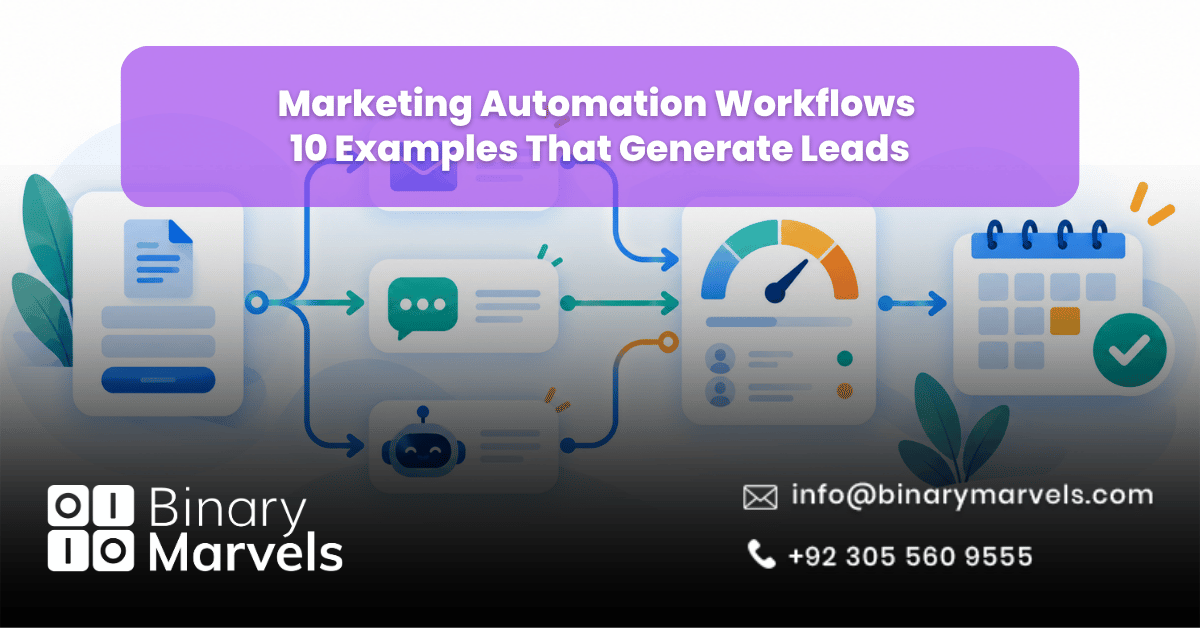
A marketing automation workflow is a set of steps that run on their own when a person does something specific. Every workflow has three parts:
- Trigger: The event that starts it, such as a form fill.
- Actions: The emails, SMS, CRM updates, or sales tasks that follow.
- Exit rule: The condition that removes the person, such as booking a call.
Most guides skip the exit rule. Without it, a customer who just paid can still get “Still thinking it over?” emails.
For the bigger picture, our guide on what business process automation is shows how the same rules work across sales and operations.
10 Marketing Automation Workflow Examples for Lead Generation
1. Welcome Series Workflow
- Trigger: Newsletter sign-up or new account.
- Actions: Send 3 to 4 emails over two weeks. Email 1 delivers what you promised, emails 2 and 3 share proof, and the last makes one clear offer.
- Exit: First purchase, booked call, or account activation.
Why it works: Interest peaks right after sign-up. In GetResponse benchmark data, welcome emails get roughly twice the opens and four times the clicks of a regular newsletter.
Metric to track: Clicks and conversions. Apple Mail Privacy Protection inflates open rates.
2. Lead Magnet Delivery Workflow
- Trigger: Form submission for an ebook, checklist, or template.
- Actions: Deliver the file within a minute. Send a related resource three days later, then invite the lead to a short call.
- Exit: Call booked or lead moved to a sales stage.
Why it works: The download reveals the lead’s problem. Tag contacts by the lead magnet they chose and keep follow-ups on that topic.
Metric to track: Download-to-meeting rate.
3. Lead Scoring and Qualification Workflow
- Trigger: Any tracked action, such as a pricing page visit or email click.
- Actions: Add points for buying signals and remove points for poor fit or silence. A simple model:
- Demo page visit: +20
- Pricing page visit: +15
- Content download: +5
- Free email domain (B2B): -10
- No activity for 30 days: -10
- Exit: Lead reaches your threshold (for example, 50 points) and goes to sales with a follow-up task.
Why it works: Sales stops chasing cold contacts. Point decay matters, because a lead who was hot three months ago is not hot today.
Metric to track: Share of scored leads that sales accepts.
4. AI Chatbot Lead Qualification Workflow
- Trigger: A visitor opens the chat window.
- Actions: The chatbot asks 3 to 4 qualifying questions (need, budget, timeline), collects contact details, and pushes the record into your CRM.
- Exit: Meeting booked or chat handed to a live rep.
Why it works: It captures leads at night and on weekends. Our guide to AI business automation shows where AI fits best in flows like this.
Metric to track: Chat-to-lead rate.
5. Speed-to-Lead Sales Follow-Up Workflow
- Trigger: A quote, demo, or consultation request.
- Actions: Create a CRM deal, assign a rep, send an instant confirmation with a calendar link, and alert the rep by SMS. If no meeting is booked in 24 hours, send a reminder.
- Exit: Meeting booked.
Why it works: The 2007 Lead Response Management study by Dr. James Oldroyd for InsideSales.com found the odds of qualifying a lead were 21 times higher when contact came within 5 minutes instead of 30.
Metric to track: Median minutes from form submission to first contact.
6. Abandoned Cart Workflow
- Trigger: Item added to the cart, checkout not completed.
- Actions: Send a reminder 1 to 4 hours later with a direct cart link. The next day, answer common doubts like shipping and returns. Send a final email or SMS within 72 hours, with a discount only if margins allow.
- Exit: Order placed.
Why it works: Baymard Institute puts average cart abandonment at 70.22%, and Klaviyo data shows cart emails average about a 50% open rate. These are warm buyers.
Metric to track: Recovered revenue per recipient.
7. Browse Abandonment Workflow
- Trigger: A known contact views the same page two or more times without acting.
- Actions: Send one email featuring the viewed item, a short review, and two related options.
- Exit: Click, enquiry, or purchase.
Why it works: It catches interest one step before the cart. Keep the tone helpful rather than “We saw you browsing.”
Metric to track: Click-to-enquiry rate.
8. SaaS Free Trial Conversion Workflow
- Trigger: Free trial sign-up.
- Actions: Base messages on behavior. If users complete the core action, send the next tip. If not after two days, send a short guide on that step. Offer a check-in call three days before the trial ends.
- Exit: Paid subscription.
Why it works: Users who reach a first win early are far more likely to pay.
Metric to track: First-week activation rate and trial-to-paid rate.
9. Re-Engagement and Win-Back Workflow
- Trigger: No opens, clicks, or purchases for 60 to 90 days.
- Actions: Share your best content, then an incentive or one-question survey, then ask, “Should we keep sending?”
- Exit: Any click returns the contact to the main list. No response means suppress or remove.
Why it works: It revives some leads and cleans your list. Inactive contacts hurt deliverability for every other workflow.
Metric to track: Reactivation rate.
10. Webinar and Event Promotion Workflow
- Trigger: Event registration.
- Actions: Send a confirmation with a calendar invite, then reminders 1 week, 24 hours, and 1 hour before. Afterward, attendees get the replay plus an offer, and no-shows get the replay with a new subject line.
- Exit: Replay watched or call booked.
Why it works: Univid data shows 49% of registrants attend live on average, rising to 57% with replay viewers. The no-show branch recovers leads most teams lose.
Metric to track: Attendee-to-meeting rate.
Which Lead Generation Workflow Should You Build First?
Start where leads are already slipping away:
| Business Type | Build First | Add Next |
|---|---|---|
| B2B services and agencies | Speed-to-lead follow-up | Lead scoring |
| E-commerce stores | Abandoned cart | Welcome series |
| SaaS companies | Free trial conversion | Welcome series |
| Schools and course providers | Lead magnet delivery | Webinar promotion |
| Clinics and local services | AI chatbot qualification | Speed-to-lead follow-up |
The logic matters more than the platform. Compare options in our roundup of the best workflow automation software tools, and if templates cannot handle your process, read about no-code vs custom-built automation.
Common Mistakes That Break Marketing Automation Workflows
- No exit rules: Buyers keep getting sales emails.
- Tracking opens only: Judge workflows by clicks, meetings, and revenue.
- Overlapping workflows: Cap how many emails a contact gets per week.
- No sales handoff: Scored leads need a task assigned to a rep.
Get Expert Help Building Your Workflows
Connecting these flows cleanly to your CRM, website, and sales team takes careful setup. Binary Marvels offers business automation services covering lead scoring, AI chatbots, CRM routing, and follow-up sequences. With 10+ years of experience, clients in 15+ countries, and 24/7 support, we are a business automation company that stays with you after launch. For budgets, see how much business automation costs.
Frequently Asked Questions
What is the difference between marketing automation and a workflow?
Marketing automation is the overall practice and the software behind it. A workflow is one sequence inside that software, made of a trigger, actions, and an exit rule.
How many emails should a lead nurturing workflow include?
Most lead nurturing workflows work well with 3 to 5 emails over one to three weeks. Let the lead’s actions, not a fixed count, decide when to stop.
Do marketing automation workflows work for small businesses?
Yes. An instant enquiry follow-up and a welcome series alone stop most of the lead loss that happens when a small team is too busy to reply.
Which marketing automation workflow generates the most leads?
It depends on where leads drop off. Speed-to-lead follow-up usually has the biggest impact for enquiry-based businesses, while abandoned cart workflows recover the most revenue for online stores.
Final Thoughts
Marketing automation workflows generate leads by reacting to what people actually do, from sign-ups and downloads to pricing page visits and abandoned carts. Speed-to-lead follow-up, lead scoring, and cart recovery have the biggest impact, while welcome, trial, re-engagement, and webinar flows keep leads warm until they are ready. Start with the workflow that plugs your biggest leak, give it a clear exit rule, and measure it by meetings and revenue instead of opens.