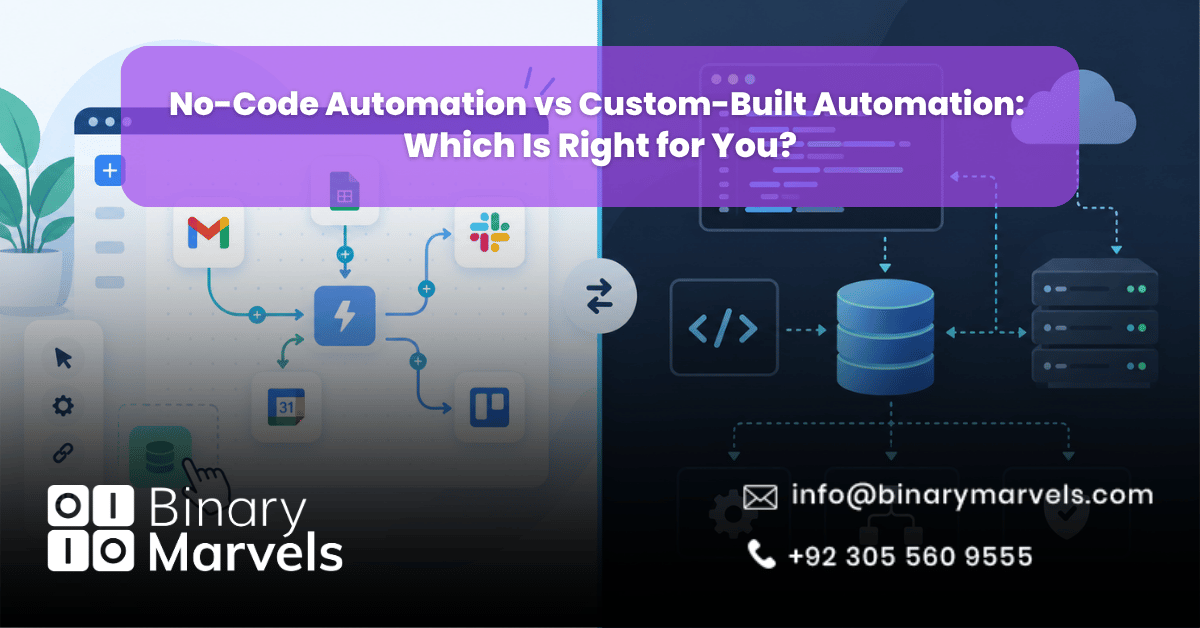
If you are comparing automation options for your business, the short answer is this: no-code tools like Zapier and Make are best for fast setup and non-technical management, while custom-built automation fits high-volume or sensitive operations that need total data control. The right choice depends on your workflow complexity, budget, and how much control you need over your data.
Both paths fall under the wider umbrella of business automation services, and most growing companies end up using a mix of both. This guide breaks down how each option works, what it costs in 2026, and how to decide which one fits your business.
No-code tools like Zapier and Make are the right choice for fast, low-cost automation that non-technical teams can manage themselves, especially for standard or lightly branched workflows. Custom-built automation is the better choice for high-volume, complex, or highly regulated processes where you need full control over data, infrastructure, and logic. Most businesses get the best results by starting with no-code to prove a workflow, then moving high-volume or critical processes to custom-built systems as they scale.
What Is No-Code Automation (Zapier and Make)?
No-code automation lets you connect different apps and automate repetitive tasks without writing code. Zapier and Make are the two most popular platforms, and both work by linking a trigger in one app to an action in another.
Speed to Deploy
You can build and launch simple workflows in minutes. A new lead filling out a form can be added to your CRM and posted to Slack within the hour, all through drag-and-drop steps.
Ease of Use
Zapier uses a step-by-step trigger-and-action format that non-technical staff learn quickly. Make uses a visual flowchart canvas, which takes more time to learn but handles branching logic far better than Zapier’s linear structure.
Cost Model
This is where most businesses get surprised, because Zapier and Make measure usage differently:
- Zapier charges by “tasks,” where one task equals one completed action step. The Free plan gives 100 tasks a month with two-step Zaps only. Professional starts at $19.99 a month (billed annually) for 750 tasks, and Team runs $69 a month (billed annually) for 2,000 tasks and up to 25 users.
- Make charges by “operations” (credits), where every module, including triggers and filters, uses one operation. The Free plan gives 1,000 operations a month. Core starts around $9 a month (billed annually) for 10,000 operations, Pro runs about $16, and Teams about $29, both for 10,000 operations with room to scale.
Because Make counts operations at the module level instead of a flat fee per action, multi-step workflows often get more automation per dollar on Make, depending on the steps involved.
Limitations
No-code platforms depend on the vendor’s uptime, standardized API connections, and whatever logic their pre-built modules support. If a vendor changes pricing or deprecates an integration, your workflow stops until you fix it, and you are boxed into the logic the platform allows.
What Is Custom-Built Automation?
Custom-built automation means writing software, often in Python or Node.js, for your specific business processes. Instead of renting a workflow on someone else’s platform, you own the code, the database, and the infrastructure behind it.
Total Control
Because you own the entire stack, you decide exactly how data moves, where it is stored, and how each step behaves, with no vendor limits on the logic you build.
Scalability and Cost Efficiency at Scale
High-frequency tasks running thousands of times a day avoid the steep per-task or per-operation costs that no-code platforms charge as usage climbs, often at a fraction of the equivalent subscription cost once you cross a certain volume threshold.
Security and Compliance
Self-hosted or internal environments keep sensitive data inside your own network instead of routing it through a third party. This matters most for regulated industries. A business automation for healthcare practices setup, for example, often needs custom workflows because patient data has to stay within controlled systems.
Drawbacks
Custom development takes weeks or months rather than hours, and it requires ongoing developer or DevOps attention. If something breaks, your team or partner fixes it, not a vendor’s support desk.
Zapier vs Make vs Custom-Built: Where the Real Differences Are
It also helps to see how this compares with adjacent terms like RPA and BPA. Our guide on BPA vs RPA vs AI automation covers where these categories overlap and differ.
At a glance:
- Zapier: simple, linear workflows and the fastest setup, with the largest app library at 7,000-plus integrations.
- Make: better for branching logic, loops, or conditional steps, usually at a lower cost per operation.
- Custom-built: wins for complex business logic, very high volume, or strict data residency rules.
None of these three options is inherently better. Each solves a different problem, and the wrong tool costs more time and money than the right one.
The Cost Crossover: When No-Code Gets More Expensive Than Custom
Every business asks eventually: at what point does a no-code subscription cost more than building the thing yourself? Our guide on how much does business automation cost walks through real budget ranges.
As a general rule, the crossover happens somewhere between a few thousand and tens of thousands of monthly task or operation executions, depending on complexity. Below that, developer time to build and maintain custom code usually costs more than the subscription. Above it, the subscription becomes a real recurring line item and a custom solution starts paying for itself within a year or two. A quick check: add up current monthly usage, project it six to twelve months forward, and compare that bill against a rough custom development quote plus modest annual maintenance.
Which One Is Right for Your Business?
Choose no-code (Zapier or Make) if:
- Your business team owns the process and speed matters more than customization
- Your workflows are standard, low to moderate volume, and mostly linear
- You lack in-house developers or budget for ongoing engineering support
- You need something running today, not in a few weeks
Choose custom-built automation if:
- You run high-volume processes, typically tens of thousands of executions a month or more
- You have engineering support, in-house or through a business automation company
- You operate under strict data residency, security, or compliance rules
- Your workflow logic is too complex for a no-code platform’s built-in modules
The hybrid approach: Many growing organizations treat these as stages on a ladder. They start with no-code tools to prove a workflow works, then move the highest-volume or most critical processes to custom-built systems while keeping simpler tasks on Zapier or Make. This spreads out cost and reduces the risk of building something custom too early.
Signs You Should Move From No-Code to Custom Automation
Certain warning signs show up before a no-code setup becomes a real bottleneck. If several sound familiar, our detailed breakdown of signs your business needs automation services is worth a read:
- Your monthly task or operation bill climbs faster than your business growth
- You are building workarounds because the platform cannot handle a branch of logic
- Staff spend real time each week fixing failed runs or exception handling
- You need sub-second response times a no-code platform cannot deliver
- Your data must stay within your own infrastructure for compliance
If none of these apply yet, a no-code tool is probably still the right call, and switching early would waste time and budget.
Why Choose Binary Marvels for Your Automation Strategy
Binary Marvels has spent more than 10 years building custom software and automation systems for clients across 15-plus countries, backed by five industry awards and round-the-clock support. Rather than pushing every client toward custom development, we look at your workflow volume, budget, and compliance needs first. For smaller operations, this often means professional services automation for small business built on the right no-code stack; for businesses outgrowing that stack, it means a properly scoped custom build. If you are unsure which path fits, our guide on how to choose a business automation company walks through the questions to ask before signing with anyone.
Frequently Asked Questions
Is Zapier or Make cheaper for small businesses?
Make is generally cheaper for multi-step workflows since it charges by module operations rather than completed tasks. Zapier can still work out cheaper for simple, one or two-step workflows with low volume.
Can I switch from no-code to custom automation later without starting over?
Yes. Your no-code workflow already documents the business rules. A development partner can rebuild that same logic in custom code, usually in a few weeks per workflow.
Do I need custom automation if I am just a small business?
Not necessarily. Most small businesses can automate routine tasks with Zapier or Make alone. Custom automation becomes worth considering once volume or logic complexity outgrows the platform.
Is custom automation more secure than Zapier or Make?
Custom automation gives you more control over where data is stored, which matters for regulated industries like healthcare or finance. Zapier and Make offer standard security certifications, but data still passes through their servers.
Final Thoughts
No-code tools like Zapier and Make win on speed and ease of use, while custom-built automation wins on control, security, and cost efficiency at high volume. The right choice depends on your workflow complexity, compliance needs, and how usage is likely to grow over the next year. For most growing businesses, the smartest path is starting with no-code to prove a workflow, then upgrading the highest-value processes to custom systems once volume or logic outgrows the platform.