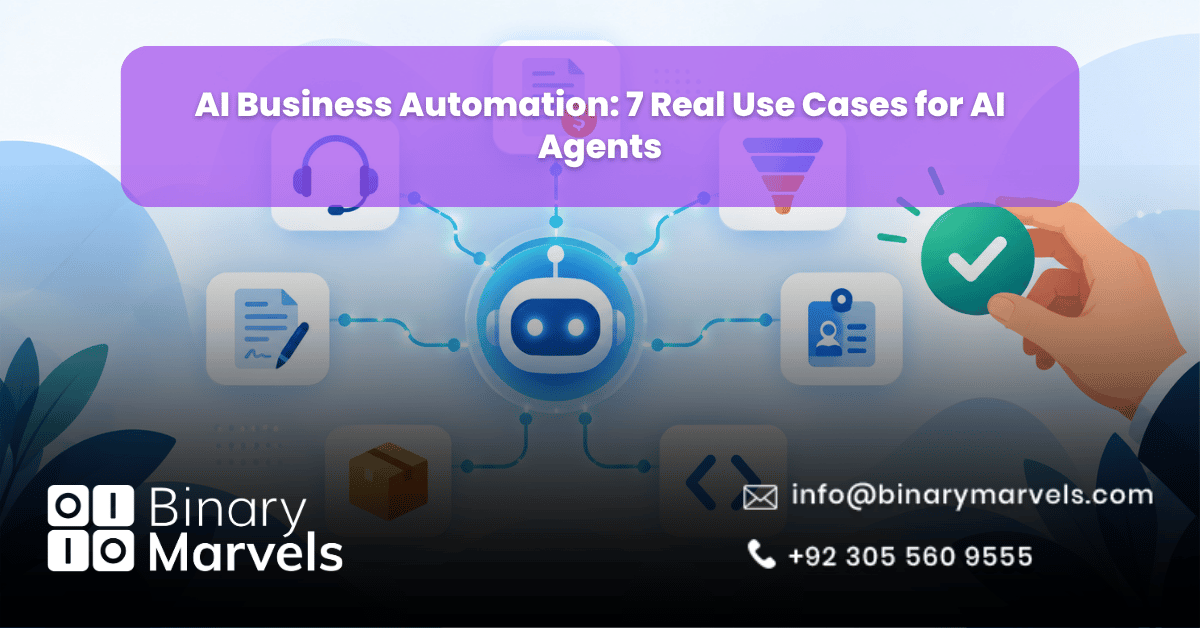
Most companies already use some automation. Rules, macros and simple bots handle the easy tasks. AI business automation goes a step further. An AI agent can read a request, decide what to do, work inside your software and finish the job.
The interest is real. McKinsey’s 2025 State of AI survey found that 23% of organizations are scaling AI agents in at least one function, and another 39% are experimenting. Yet Gartner expects over 40% of agentic AI projects to be canceled by the end of 2027 because of high costs, unclear value or weak risk controls. Picking the right use case is what separates the two groups. Below are seven real use cases, what each agent actually does, and where a person should stay in charge.
What Are AI Agents in Business Automation?
An AI agent is software that works toward a goal across several steps. It reads information, picks an action, uses tools such as your CRM or email, and checks the result. A basic bot follows fixed rules. An agent adjusts when the input changes. Because it acts on its own, the way you set it up matters as much as the AI model behind it. If you want to see how this compares with older methods, this guide on BPA vs RPA vs AI automation breaks it down.
Every reliable agent has four parts:
- A clear goal: one defined job, such as “resolve password reset tickets”
- Tool access: only the systems it needs, like your helpdesk or accounting software
- Rules: limits on what it can do alone
- A human checkpoint: a person who approves risky steps
7 Real Use Cases for AI Agents in Business Automation
1. Customer Support Ticket Triage and Resolution
The agent reads each new ticket, checks the customer’s order or account, and replies when the issue is known, such as a refund status or a login problem. When it cannot solve the case, it collects the missing details and sends it to the right person with a short summary. Gartner predicts that agentic AI will resolve 80% of common customer service issues without human help by 2029. Note the word “common”. Complex cases still need people, so build a clear handoff from the start. Clinics use the same pattern for booking and reminders, as covered in this piece on business automation for healthcare practices.
- Agent handles: tagging, status checks, standard replies
- Human handles: upset customers, large refunds, legal complaints
2. Invoice Reconciliation and Accounts Payable
The agent pulls line items from vendor invoices, matches them to purchase orders, checks tax fields and flags mismatches. Vendors often quote 70% to 90% less manual invoice work, but those numbers come from sellers, so measure your own starting point first and compare it with the results after 60 days. Most teams connect the agent to their accounting system through workflow automation software.
- Agent handles: data extraction, matching, anomaly flags
- Human handles: payment approval, especially large amounts
3. Lead Qualification and Personalized Outreach
The agent adds company size and industry to each new lead, scores how well it fits, drafts a first email based on the lead’s own enquiry, and creates follow-up tasks in the CRM. Education businesses use this to sort learner enquiries by course interest, which is the focus of this guide for online course providers.
- Agent handles: enrichment, scoring, draft emails, reminders
- Human handles: first contact with high-value accounts
4. HR Onboarding and Internal Policy Questions
The agent answers leave and benefits questions from approved policy documents, sends new hire paperwork and requests IT accounts. Resume screening needs extra care because bias can creep in. Let the agent sort and summarize, but keep a recruiter responsible for every hiring decision.
- Agent handles: policy answers, paperwork, account requests
- Human handles: hiring decisions, sensitive employee cases
5. Codebase Bug Triage and Pull Request Generation
The agent watches GitHub issues, finds the likely file, writes a fix with tests, and opens a pull request. It works best on small, well-labeled bugs. It should never merge code to production on its own, because a fast fix that breaks a live system costs more than the bug.
- Agent handles: reproducing bugs, drafting fixes, writing tests
- Human handles: code review, merging, architecture choices
6. Supply Chain and Inventory Monitoring
The agent tracks stock levels, compares them with sales trends, and drafts a purchase order to a preferred vendor when stock falls below a set point. It also flags late shipments so the team can act early. This only works with accurate stock data, so clean your records before you start.
- Agent handles: stock checks, reorder drafts, delay alerts
- Human handles: orders above a spending cap, vendor disputes
7. Contract Review and Risk Flagging
The agent scans contracts, compares each clause with your playbook, and highlights risky terms such as liability limits, auto-renewal and payment conditions. Agencies and consultancies that sign many client contracts often pair this with professional services automation.
- Agent handles: clause comparison, risk highlights, summaries
- Human handles: legal judgment and final sign-off
How to Pick Your First AI Agent Use Case
Be careful with vendor claims. Gartner warns about “agent washing”, where sellers relabel chatbots as agents, and estimates that only about 130 of the thousands of vendors claiming agentic AI offer real features. Ask for a live demo on your own data.
A good first use case usually has these traits:
- High volume and repeated often
- A clear measure of success, such as time per ticket or cost per invoice
- Clean data the agent can reach
- Low harm if the agent is wrong, with a human check for the rest
Not sure you are ready? Review the signs your business needs automation first. Next, compare no-code automation vs custom-built automation, and decide whether to build in-house or outsource. Set a budget using this breakdown of how much business automation costs. Then start with one process, track results for 30 days, and expand only after the numbers hold. A short checklist for choosing a partner helps if you hire outside help.
Common Mistakes That Sink AI Agent Projects
Most failed projects share the same few errors:
- Automating a broken process: an agent speeds up whatever you give it, including bad steps. Fix the workflow first.
- Giving too much access too soon: begin with read-only access, then allow actions once results prove reliable.
- Skipping measurement: record time and cost before launch, or you cannot prove the return later.
- Treating launch as the finish line: agents need monitoring, updated instructions and fresh data. McKinsey found that high performing companies are far more likely to define when a human must check AI output, at 65% versus 23% for the rest.
Why Businesses Trust Binary Marvels for AI Automation
Binary Marvels is a business automation company with over 10 years of experience, clients in 15+ countries and 24/7 support after launch. Our team builds custom AI agents, chatbots, voice agents and appointment setters on tools like GPT, Gemini, Claude and LangChain, and connects them to your CRM or ERP. Our full range of business automation services is built around the same rule used above: automate the routine work, and keep people in control of the decisions that matter.
Frequently Asked Questions
What is the difference between an AI agent and a chatbot?
A chatbot mostly answers questions. An AI agent also takes action. It can look up an order, update a CRM record, send an email or open a ticket, then check that the task worked.
Which business process should I automate with AI agents first?
Start with a high-volume task that has clear rules and low risk, such as support ticket triage or invoice matching. These give fast, measurable results and are easy to supervise.
Are AI agents safe for finance and legal work?
They can be, with limits. Let the agent prepare, compare and flag items, but require a person to approve payments, contracts and other high-impact actions. Log every action so you can audit it later, and review the log each week during the first month.
Can small businesses use AI agents?
Yes. Small teams often gain the most from lead qualification, support replies and document handling, because these tasks eat hours every week. Start with one process and grow from there.
Final Thoughts
AI agents can take over routine, multi-step work in support, finance, sales, HR, engineering, supply chain and legal teams. The best results come from narrow use cases, clean data and a human checkpoint on every risky step. Start small, measure real results, and scale only what proves its value.