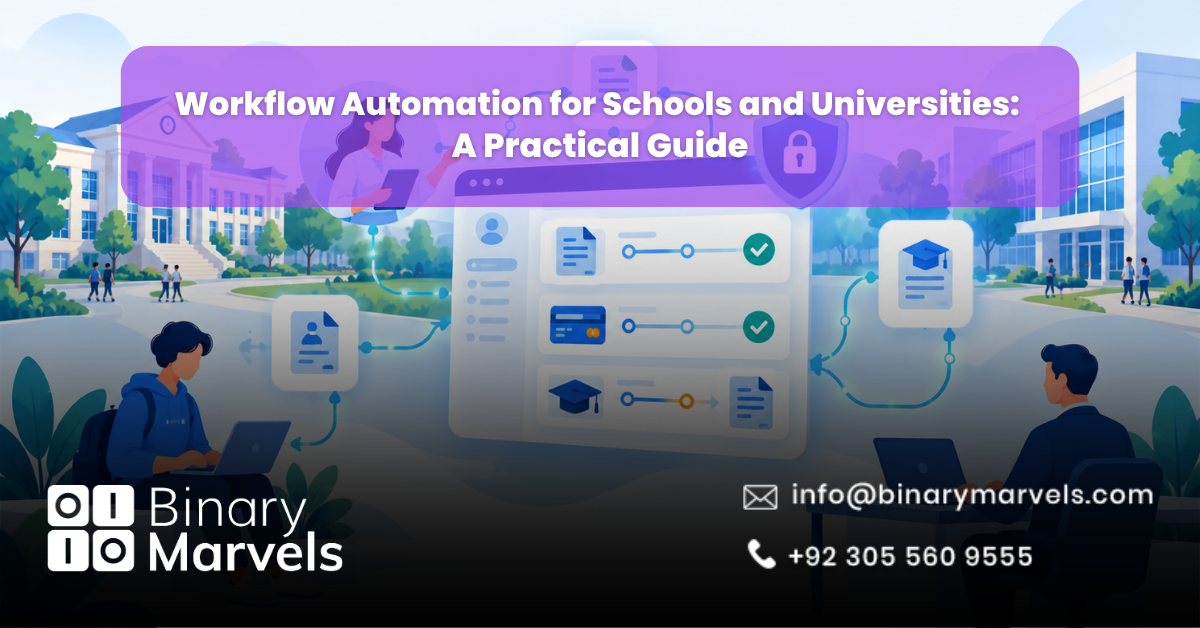
Every school has a hidden workload. Admission forms sit in inboxes, fee approvals wait for one signature, and transcript requests travel between three desks. Workflow automation for schools and universities replaces these manual steps with digital flows that route, track, and record each task on their own. This guide covers what to automate first, how schools and universities differ, how to protect student data, and how to pick the right approach.
What Is Workflow Automation in Education?
Education workflow automation means using software to move a task from one person to the next based on set rules. A student submits a form, the system checks it, sends it to the right approver, reminds them if they are slow, and saves the result in the student record.
It is different from simply going paperless. A scanned PDF still needs a person to open it, forward it, and chase it. Automation handles the forwarding and chasing. If you are new to the idea, this overview of business process automation explains the basics in plain terms.
Which Processes Should Schools and Universities Automate First?
Start with tasks that are repeated often, involve many people, and follow clear rules. These usually give the fastest return.
Admissions and Enrollment
- Online application intake with required document checks
- Automatic acceptance, rejection, and waitlist messages
- Fee reminders and payment confirmation
- Record creation in your student information system (SIS)
Academic Requests
- Course registration and add or drop approvals
- Grade change and special permission requests
- Transcript and certificate requests
- Exam clearance and result notices
Student Services
- Advisor appointment booking
- Hostel or housing requests
- Scholarship and aid applications
- Health form tracking, which works much like business automation for healthcare practices
Administration and HR
- Staff onboarding and contract renewals
- Leave requests and substitute teacher cover
- Purchase approvals and budget checks
- Research grant routing in universities
Key Benefits of Education Workflow Automation
- Faster turnaround: Requests that once took weeks can move in days because nothing waits in an inbox.
- Fewer errors: Data is typed once, so typos and lost files drop sharply.
- Clear tracking: Students and parents can see where a request stands without calling the office.
- Stronger records: Every approval is logged with a name and a time, which helps during audits.
- Better use of staff time: Registrars and teachers spend less time on forms and more time with students.
Be careful with vendor claims about exact hours saved. Measure your own baseline first.
Schools vs Universities: Different Needs
Most guides treat all institutions the same. They are not the same.
Schools (K-12) deal with parents as key users. Attendance alerts, fee notices, report cards, and parent consent forms matter most. Teams are small, so the system must be simple.
Universities deal with many departments, many systems, and long approval chains. Admissions, faculty approvals, research grants, and finance often sit in separate tools. Here, links to the SIS and learning management system (LMS) matter more than the form builder.
Online course providers and coaching institutes need fast enrollment, scheduling, and payment flows. The playbook for online course providers is a useful reference for this group.
Student Data Privacy: The Part Most Guides Skip
Automation touches names, grades, health notes, and payment details. Privacy cannot be an afterthought.
In the United States, FERPA protects student education records at schools that receive federal funds. Rights pass from parents to the student at age 18 or when the student enters college. Outside vendors can only access records under the “school official” exception. In simple terms, the vendor must do a task the school would normally do itself, the school must stay in direct control of the data, and the vendor must not share it further. Some states add stricter rules, such as New York Education Law 2-d. Schools in the UK and EU also need to follow GDPR.
Use this checklist when you review any automation project:
- Sign a data agreement that names exactly what data the vendor can see
- Give each role the least access it needs, so a teacher sees only their own classes
- Keep audit logs of who opened or changed each record
- Ask where data is stored and how long it is kept
- Confirm that no student data is used to train public AI models
- Check every sub-vendor, including any AI service your workflow calls
FERPA sets no fixed retention period, so your own policy must fill that gap.
How to Choose the Right Approach
You have three main paths, and each fits a different situation.
- No-code platforms: Good for simple forms and approvals. They are quick to start, but they can hit limits when you need deep SIS integration. See this comparison of no-code automation vs custom-built automation before you commit.
- Ready-made education software: Fits common needs like admissions or fee management, but your process has to match the product.
- Custom-built workflows: Best when you have unique rules, many systems, or strict data needs. Costs are higher at the start, so review how much business automation costs first.
It also helps to know the difference between BPA, RPA, and AI automation. Rules-based approvals need BPA. Copying data between old systems may need RPA. Reading documents or answering student questions is where AI business automation fits.
For a list of tools to compare, see this roundup of the best workflow automation software tools.
Build In-House or Hire a Partner?
An IT team that already runs your SIS may handle small projects. Larger projects often need outside skills. This guide on in-house vs outsourced business automation lays out the trade-offs. If you outsource, these questions to ask before choosing an automation partner will help you compare options fairly.
Small private schools can borrow ideas from professional services automation for small business, where staff are few and paperwork is heavy.
How to Roll Out Automation in 6 Steps
- List your pain points. Ask each office which task wastes the most time. If several offices raise the same issue, that is a clear sign you are ready, as shown in these signs your business needs automation.
- Map one process end to end. Write down who starts it, who approves it, and where it gets stuck.
- Pick a pilot. Choose one process, such as fee approvals or transcript requests.
- Connect your systems. Link the workflow to your SIS, LMS, email, and payment tools.
- Train staff and students. Short guides and a named contact person prevent early problems.
- Measure and expand. Track turnaround time, error rates, and staff hours, then move to the next process.
Common Mistakes to Avoid
- Automating a broken process, which only makes the mess faster
- Skipping staff training
- Choosing a tool before checking privacy terms
Frequently Asked Questions
What is workflow automation in education?
Workflow automation in education is the use of software to route forms, approvals, and notices between students, staff, and departments using set rules. It cuts manual data entry and email chasing across admissions, records, finance, and HR.
Is workflow automation safe for student data?
It can be, if you set it up with care. Use role-based access, audit logs, encrypted storage, and a signed data agreement with every vendor. In the US, outside vendors must meet FERPA’s school official conditions, and in the UK and EU, GDPR rules apply.
How long does it take to automate school workflows?
A simple pilot, such as one approval form, can go live in a few weeks. Larger projects that connect an SIS, LMS, and payment system take longer. Starting with one process and expanding in phases is the safest route.
Do small schools need workflow automation?
Yes, often more than large ones. Small teams have fewer people to absorb paperwork, so each automated task frees up a bigger share of their time.
Why Choose Binary Marvels for Education Automation
Binary Marvels builds custom software and AI-powered tools instead of reselling a fixed platform, so your workflows match how your institution really works. With over 10 years of experience, five industry awards, and clients in more than 15 countries, our team supports schools, universities, and online learning businesses from planning to launch and beyond. Our 24/7 support means your admissions or fee season does not stall when a problem appears. If you want a dedicated business automation company to map your processes, our business automation services are the place to start.
Conclusion
Workflow automation for schools and universities removes slow manual steps from admissions, records, finance, and HR, while giving students and parents clear updates. The best results come from starting with one high-volume process, choosing a tool that fits your systems, and protecting student data under rules like FERPA and GDPR. Measure your own results, then expand step by step so each new workflow builds on a proven one.